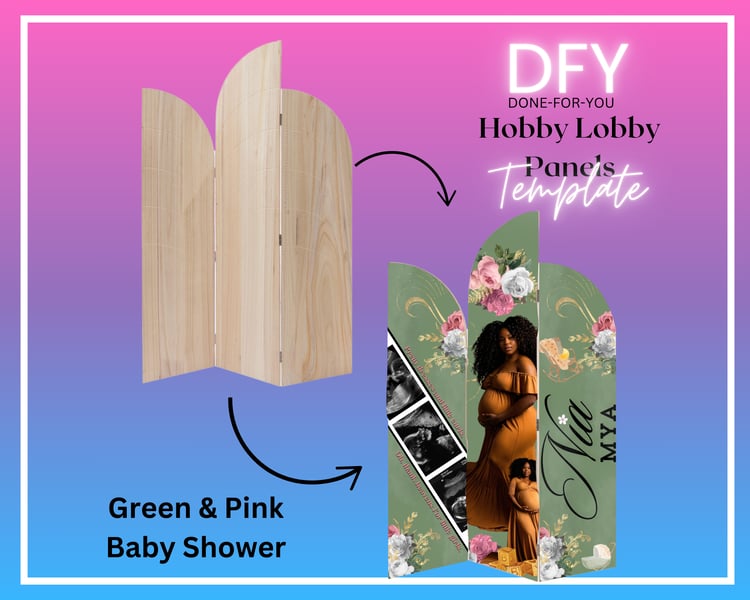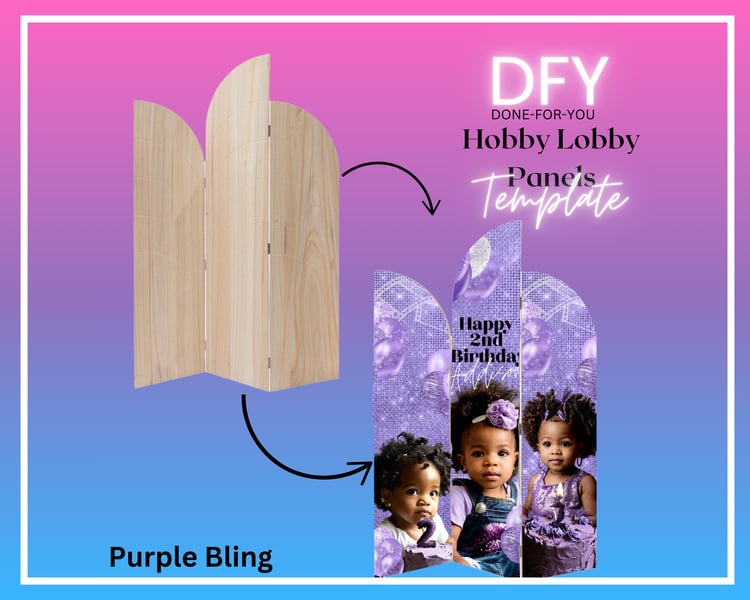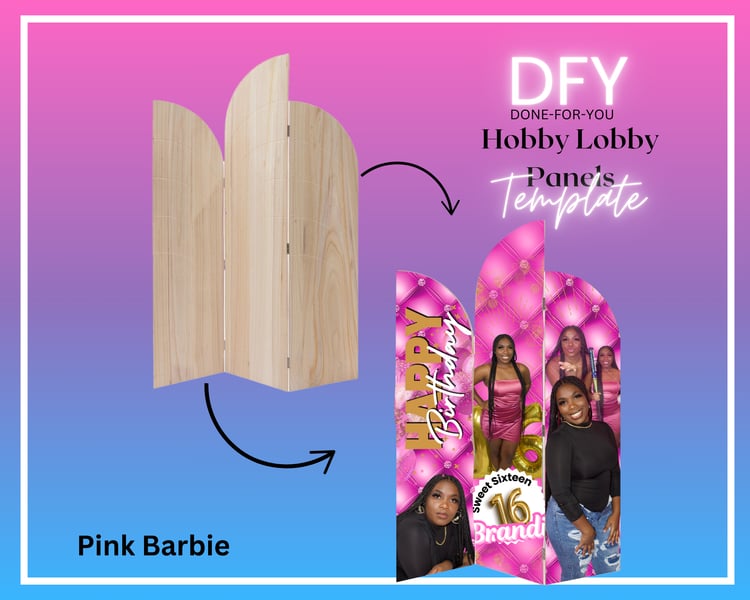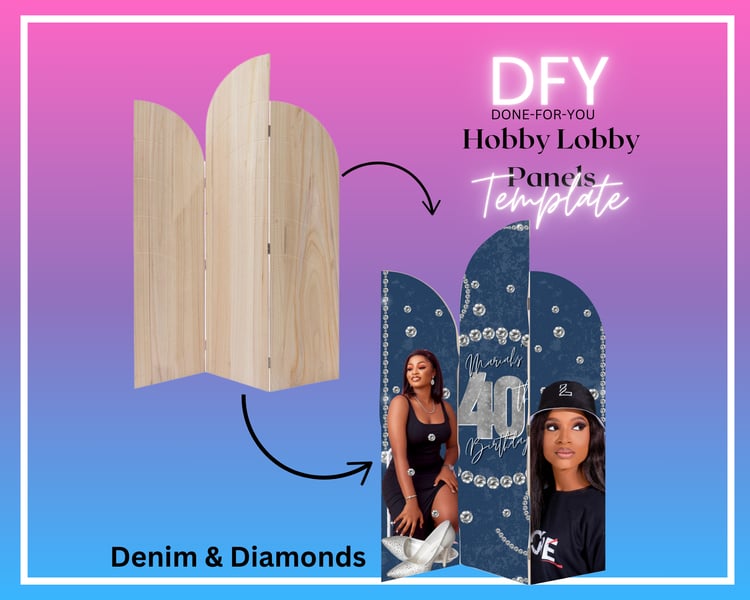

Walgreens Wood Panel Print Setup Template
On Sale
$1.99
$1.99
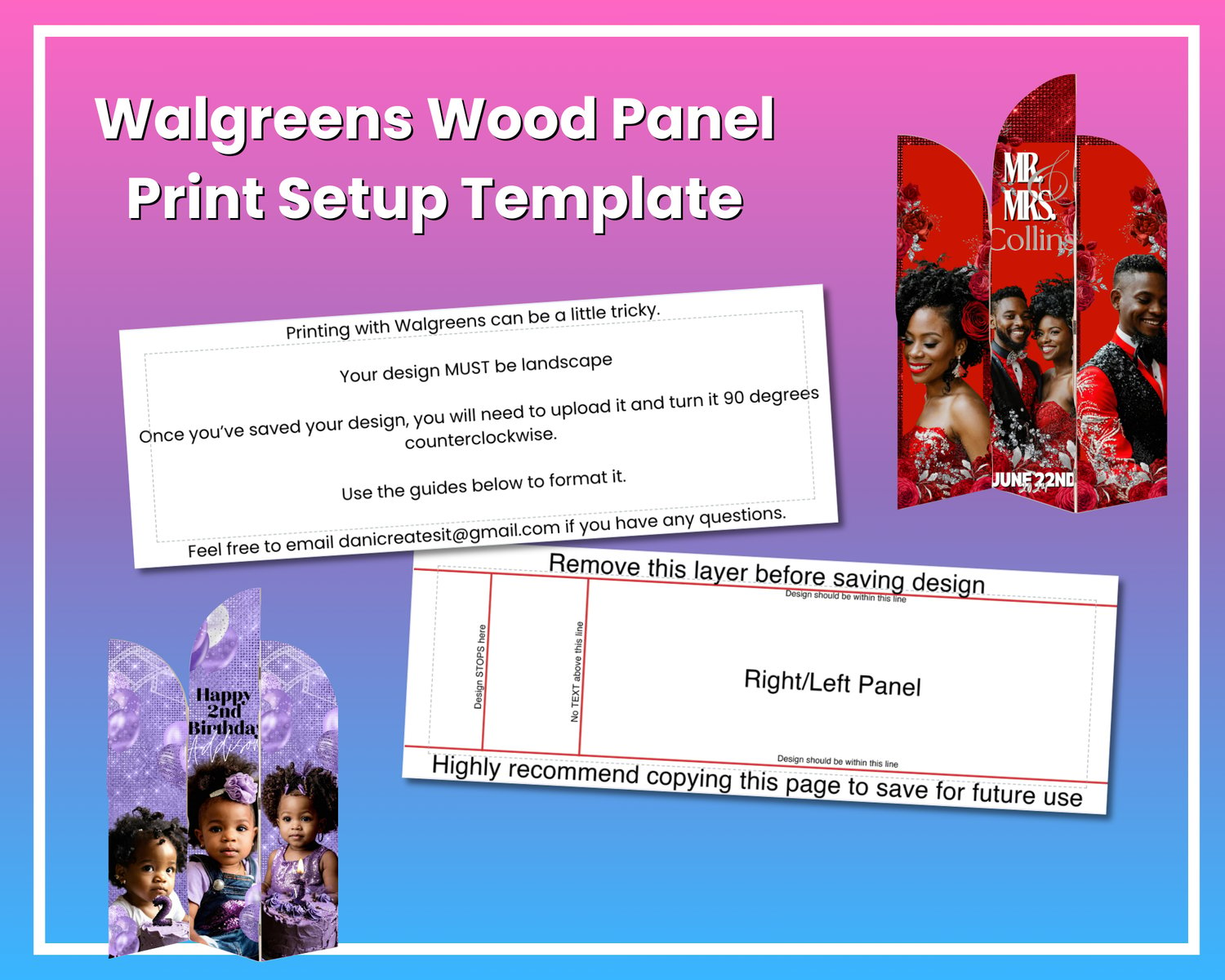
The Walgreens Wood Panel Print Setup Template is designed to help you format your wood panel designs for printing at Walgreens. Printing with Walgreens can be challenging, but this template ensures a hassle-free experience with clear instructions and guides.
Features:
- Optimized for Walgreens wood panel print specifications.
- Landscape format with safe zone and text boundary guides.
- Instructions for correctly formatting and rotating your design 90 degrees counterclockwise before uploading.
- Editable layer to design freely, with a reminder to remove the guide layer before saving.
How to Use:
- Create your design within the provided boundaries, ensuring all content stays inside the designated safe zones.
- Remove the guide layer before saving your final design.
- Save your design in landscape mode.
- Upload your saved design to Walgreens and rotate it 90 degrees counterclockwise during the upload process.
This template makes printing your designs on Walgreens wood panels easy, ensuring your project comes out exactly as intended.
Perfect For:
Photographers, small business owners, event planners, and anyone printing photo panels at Walgreens who wants a seamless and professional result.
Need help? Feel free to reach out at dani@danicreatesit.com.